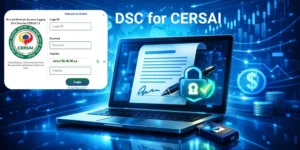

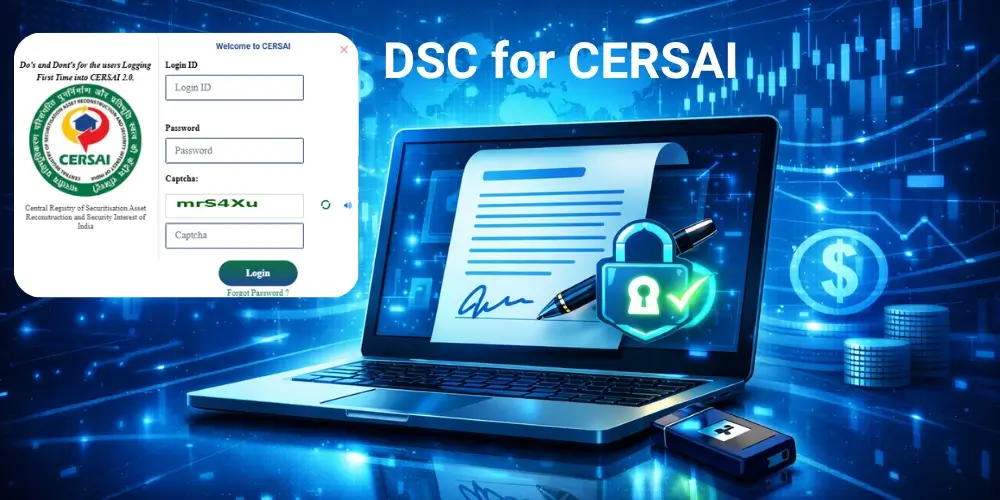
In India’s financial and banking ecosystem, secure digital authentication is essential for regulatory compliance and online filings. One of the key requirements for institutions registering on the CERSAI portal is a Digital Signature Certificate. DSC for CERSAI (The Central Registry of Securitisation Asset Reconstruction and Security Interest of India) to guarantee the authenticity, legal validity, and integrity of any document(s) submitted through the portal. To provide security for accessing and submitting documents, all financial institutions, including banks, NBFC’s, and other authorised bodies, will be required to use an electronically stored Digital Signature Certificate (DSC) using a USB Token.
What is DSC for CERSAI?
A DSC for CERSAI is a Class 3 Digital Signature Certificate used by authorised officials of financial institutions to digitally sign documents submitted to the CERSAI portal.
The Digital Signature in CERSAI acts like an electronic signature and ensures:
- Authentication of the authorised user
- Integrity of submitted documents
- Non-repudiation of digital filings
- Compliance with the IT Act, 2000
CERSAI requires a Class 3 DSC with signing capability stored in a secure USB Token for registration and transaction approvals.
Why is DSC Required on CERSAI?
The Digital Signature for CERSAI is mandatory because the platform deals with sensitive financial data related to secured loans and asset registration.
Key reasons for using DSC on CERSAI
- Ensures secure online authentication
- Prevents unauthorized access
- Maintains data integrity
- Provides legal validity for digital filings
- Enables paperless compliance
Banks, NBFCs, and financial institutions must use DSC when performing the following actions on CERSAI:
- Registering security interests
- Modifying loan records
- Filing satisfaction of charge
- Uploading documents
- Authorising institutional users
Types of Digital Signature Certificate for CERSAI
For CERSAI portal access, organisations generally require Class 3 DSC issued by a licensed Certifying Authority.
Common DSC types used in CERSAI
1. Class 3 Individual DSC
Used by authorized officials such as:
- Bank managers
- Compliance officers
- Authorized signatories
2. Class 3 Organization DSC
Issued in the name of the organization and linked with the authorized person.
Features include:
- Organisation name in certificate
- Higher security authentication
- Compliance with institutional filings
Documents Required to Get DSC for CERSAI
To obtain a Digital Signature Certificate for CERSAI, applicants must submit identity and verification documents.
Required documents include
- PAN Card of the applicant
- Aadhaar Card or Voter ID
- Passport size photograph
- Email ID and mobile number
- Organization authorization letter (for organisation DSC)
In addition, the applicant must complete video verification (VKYC) as required by certifying authorities.
USB Token for Digital Signature in CERSAI
A USB Token is a secure hardware device used to store the Digital Signature Certificate.
Benefits of using a USB Token
- Protects the DSC from misuse
- Prevents unauthorized copying
- Enables secure login on the CERSAI portal
- Ensures compliance with government regulations
Popular USB token brands used for DSC include:
- mToken
- ePass Token
- ProxKey Token
- Watchdata Token
The token works like a digital identity key that must be connected to the computer during signing.
Step-by-Step Process to Get DSC for CERSAI
Obtaining a Digital Signature Certificate for CERSAI is a simple process if you follow the correct steps.
- Get meradsc.com
- Fill in your details.
- Upload the required documents.
- Complete video verification.
- Receive your DSC with Token.
How to Register DSC on CERSAI Portal
Once you receive your Digital Signature for CERSAI, you must register it on the portal.
Steps to register DSC on CERSAI
- Visit the CERSAI official portal
- Log in using institutional credentials
- Go to User Management
- Select Register Digital Signature Certificate
- Insert the USB Token into the computer
- Select your DSC and confirm
After registration, you can use the Digital Signature in CERSAI to sign and submit filings.